Browser workflow
A practical 3mf editor online for 3D projects
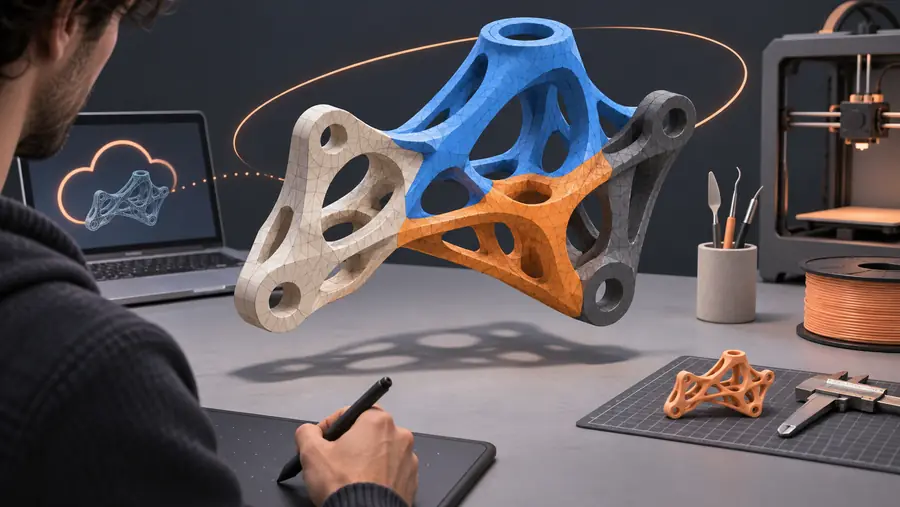
A 3mf editor online gives you a focused place to inspect a project, make targeted color changes, and decide what should happen before the file moves into a full production tool.
Simple workflow
Three steps from file inspection to a clearer handoff
The online route is most useful when you want to understand a 3MF project and prepare a focused next action without losing track of the original file.
-
1
Open the project
Bring the 3MF project into the workspace and inspect its visible parts, color assignments, and overall structure before changing anything.
-
2
Refine the visual plan
Identify the regions that need attention, describe the intended palette or material change, and keep the revision focused on the result you want.
-
3
Continue in the right tool
Use the reviewed project and notes as a handoff for detailed modeling, slicing, printer preparation, or any export step the project requires.
Visual comparison
See the difference between inspection and intervention
A useful online workflow separates understanding the file from changing it. That makes it easier to spot an unwanted color assignment before it becomes a print problem.

The comparison is a planning aid, not a promise that every project can be edited in the same way.
Before reviewAfter reviewKnow the edges
What an online 3MF workflow cannot replace
Browser access reduces friction, but it does not remove the technical decisions that belong to your modeling and printing setup.
It is not a full mesh modeler
An online editor is not a substitute for rebuilding topology, sculpting geometry, or making complex dimensional changes to a mesh.
What to do instead
Use the reviewed file and change notes in a dedicated 3D modeling application when geometry must change.
It cannot guarantee slicer behavior
Color assignments, materials, and object relationships may be interpreted differently by slicers and printer software.
What to do instead
Open the revised project in your intended slicer and verify the preview, material mapping, and plate setup before printing.
It does not remove file-quality issues
A 3MF project can still contain missing references, unsuitable geometry, unsupported settings, or incomplete metadata.
What to do instead
Treat the online review as an inspection step, then validate the file in the production workflow that will consume it.
It is not a substitute for a final print check
A visually correct project can still produce unexpected results because of hardware, filament, calibration, or process settings.
What to do instead
Run the normal preview and test-print checks used by your printer workflow before committing to a larger job.
Next step
Use the workspace to clarify what the file contains, describe the change you want, and decide whether the next step belongs in an editor, slicer, or printer-specific application. Keeping that handoff explicit helps avoid treating an online review as a complete production pipeline.
Turn a 3MF question into a focused workflow
- Inspect the project before changing it
- Describe a targeted color or structure review
- Keep final validation in your production tool
Common questions
Questions about editing 3MF files online
An online 3MF editor is useful for reviewing a project, understanding its visible structure, and planning targeted changes such as color or material adjustments. It can also provide a clearer handoff before detailed modeling or slicing work.
That depends on the capabilities of the specific workspace and the file itself. Online review is best treated as a focused preparation step; complex mesh edits may still require a dedicated 3D modeling application.
A color-focused workflow can help identify and plan changes to visible regions, but the final result depends on how the project stores colors, materials, and object assignments. Always check the result in the slicer or production tool you intend to use.
Usually, it should not be the only validation step. Printer profiles, material mapping, supports, plate layout, calibration, and slicer previews still need to be checked in the workflow that will produce the physical object.
Confirm that the intended objects, colors, and materials are present, then open the project in your chosen slicer or production application. Review the preview and verify that the exported or handed-off file matches the original goal before printing.