3mfcoloreditor✦

Workflow comparison

3mf color editor vs free: What should you use?

A free editor may be enough for a single color change; a more capable workflow matters when you need repeatable assignments across parts. Compare what each route can preserve before committing a print project to either one.

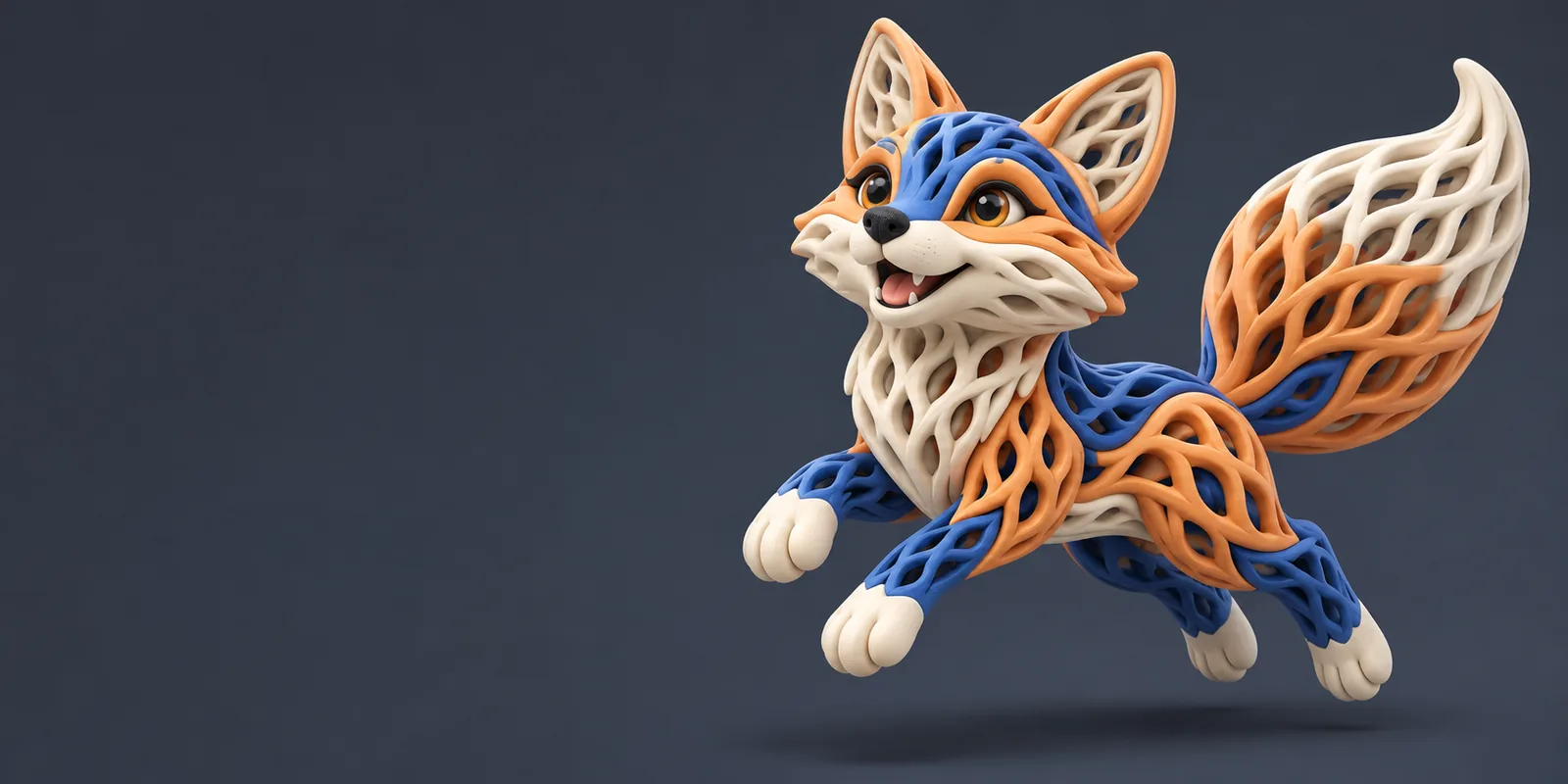
Multicolor 3D model shown in the site's workspace imagery

Dimension by dimension: what matters to you?

The useful comparison is not simply whether an editor has a fee. It is whether the workflow retains the information your next step depends on.

The occasional maker

You want to recolor one decorative model and can inspect the result manually. An accessible editor may meet that narrow goal if it opens the file, exposes the intended regions, and saves a usable project.

Test one small copy first. Check both the visible colors and the slicer's interpretation rather than treating the viewport as the final answer.

free 3mf color editor online

The browser-first collaborator

You need to review a file on another computer. Browser access can simplify inspection, but upload rules, supported 3MF contents, and export options vary by service.

Check the service's current file handling before sharing a client model. Keep the original locally and compare the downloaded result with it.

3mf editor online

The multicolor printer owner

Your model has several bodies or painted regions that must correspond to actual filaments. Editing colors is only part of the job; the printer profile and filament mapping also matter.

Reopen the edited project in your intended slicer, map the materials, and inspect the preview layer by layer before printing.

edit 3mf in bambu studio

Who each route suits: a three-stage test

Use the same small project to assess an accessible editor and any more capable alternative. The comparison is meaningful only if both face the same file.

  1. 1

    Inspect the source

    Save an untouched copy. Note whether the 3MF contains separate objects, painted surfaces, material assignments, or slicer-specific settings. If you only need a reference image, visual recoloring may suffice; if you need a printable project, those distinctions are essential.

  2. 2

    Make one controlled change

    Change a single region or part, then save a new file. Note which controls were available, whether the boundary was easy to select, and whether the editor retained the rest of the model. Avoid changing geometry and color simultaneously; otherwise, troubleshooting becomes harder.

  3. 3

    Validate the handoff

    Open the saved result in the slicer used for the final print. Compare part counts, color boundaries, material mapping, and the layer preview with the original. If any required information disappears, that route does not meet this project's needs, regardless of how convenient its editor felt.

Migration path: know the limits before switching

Moving between editors is not a guarantee that every piece of a 3MF project will transfer. Plan around the data you cannot afford to lose.

1

This page cannot verify a particular service's access terms

A comparison of workflows cannot establish that a destination currently offers unrestricted use, a specific export, or a particular editing control. Terms and supported features can change.

What to do instead

Check the destination's current documentation and test its save-and-reopen path with a noncritical file before moving a real project.

2

A color preview cannot certify print readiness

The same-looking model can slice differently after material mapping or profile changes. A viewport image does not show every layer transition, purge decision, or unsupported feature.

What to do instead

Inspect the project in the final slicer, review its layer preview, and confirm the intended printer and filament assignments.

3

A generic editor may not retain slicer-specific settings

3MF can package more than geometry and visible colors, while applications differ in which project information they read and write. Saving through another editor may leave some settings behind.

What to do instead

Preserve the original project and compare the edited file against it before replacing any established print setup.

4

Moving to STL is not a color-preserving shortcut

A conventional STL describes mesh geometry, not the multicolor and material information you may be trying to edit. Converting solely to make a file easier to open can defeat the purpose of the comparison.

What to do instead

Keep a 3MF master when color assignments matter; use a geometry-only export only when that loss is acceptable.

Comparison table: test outcomes, not labels

These are decision criteria, not promises about every tool in either category. Verify the specific application and file you intend to use.

Accessible or no-cost workflow More capable editing workflow
Best starting point A one-off recolor or a low-stakes file inspection, provided the available controls cover the change. Repeated work on multipart models where selective editing and a reliable handoff justify evaluating additional tools.
Color selection Check whether you can target the exact body or surface rather than changing the appearance of the whole model. Check whether the needed region-level controls are present and remain usable as the project grows.
Material assignments Do not assume a colored preview represents retained materials; inspect the saved file in a slicer. Confirm that the tool writes assignments your intended slicer recognizes.
Project preservation Compare object count and existing settings after saving; simple edits can still alter packaged project data. Test preservation against the original rather than assuming a larger feature set protects every setting.
Access and file handling Review current usage conditions, upload requirements, and export availability before starting. Review the same conditions; greater editing depth does not establish a particular access policy.
Final quality check Reopen the file, map filaments, and inspect layers in the production slicer. Perform the identical slicer check; no editor replaces print preparation.
When to change routes Move on if the required region cannot be selected or the saved project loses essential information. Use the added workflow only when its tested result solves that specific problem.

Make the next edit a measured test

3mfcoloreditor points you toward a 3D workspace for exploring your next step. Before relying on any editing route for a print, confirm its current file support and access terms, keep your original 3MF, and check the saved result in your slicer.

Explore a 3D workspace, then verify the result

  • Keep an untouched source file
  • Test one color change first
  • Validate the slicer handoff
Explore 3D tools

Comparison FAQ

It can be enough if it lets you edit the intended regions and saves assignments that your slicer recognizes. Test with a small file and inspect the layer preview before trusting it with a larger project.

Compare region selection, preservation of separate parts, material assignments, export behavior, and the result in your final slicer. A convenient editor is not a useful choice if its saved file loses information your print requires.

No. The visible appearance may not match the material mapping or the slicer's interpretation of the project. Reopen the saved file, assign the intended filaments, and inspect its layers.

Not necessarily. Applications may handle packaged project data differently, particularly settings tied to a specific slicer. Keep the original file and compare settings after the transfer.

Consider it when repeated edits, difficult color boundaries, or multipart assignments exceed what your current editor can reliably save. Judge it by a successful test on your own 3MF, not by a feature list alone.

Explore 3D studio
Explore 3D studio